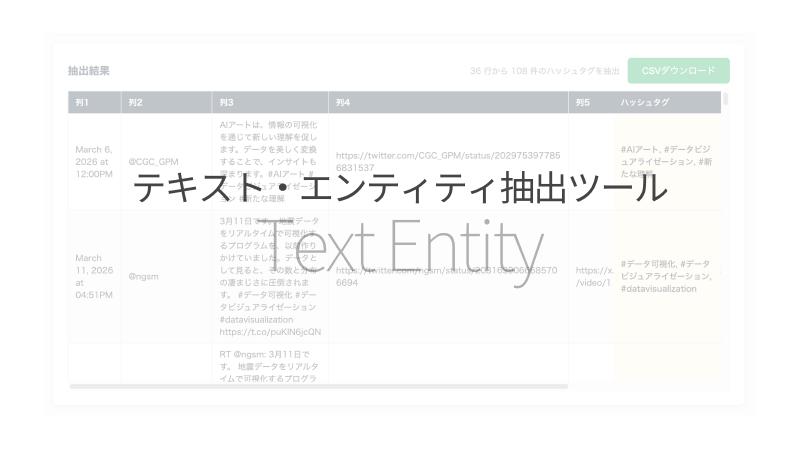
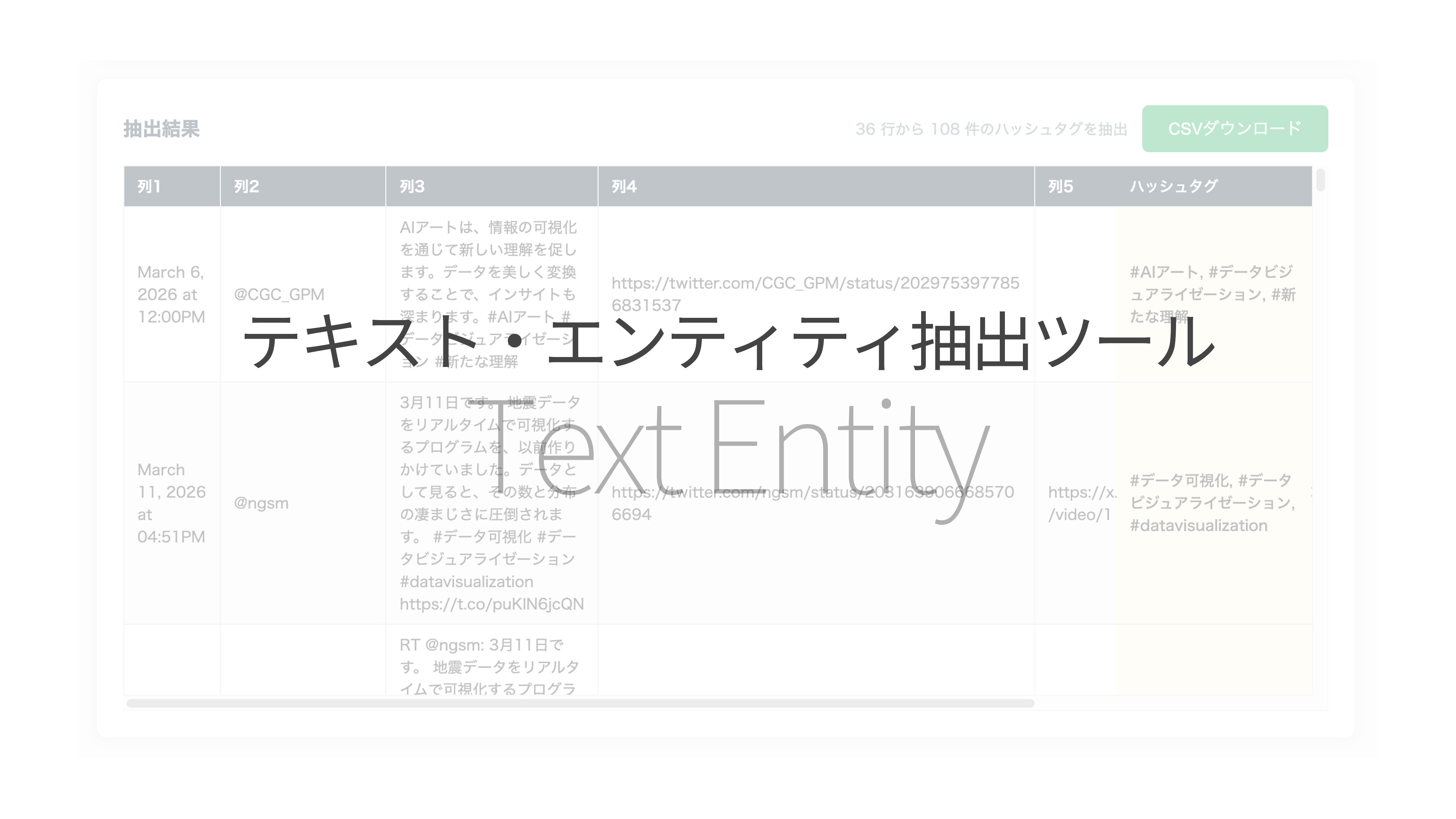
What is this tool?
A browser-based tool that uses regular expressions to batch-extract hashtags, mentions, URLs, email addresses, and phone numbers from text in CSV/TSV tabular data. All data is processed in your browser and never sent to a server.
Features
- 5 entity types: Hashtags (#), mentions (@), URLs, email addresses, phone numbers
- CSV/TSV support: Load data via file upload or paste into the text area
- Column selection: Choose the target column with sample values displayed
- Preview: Review loaded data before extraction
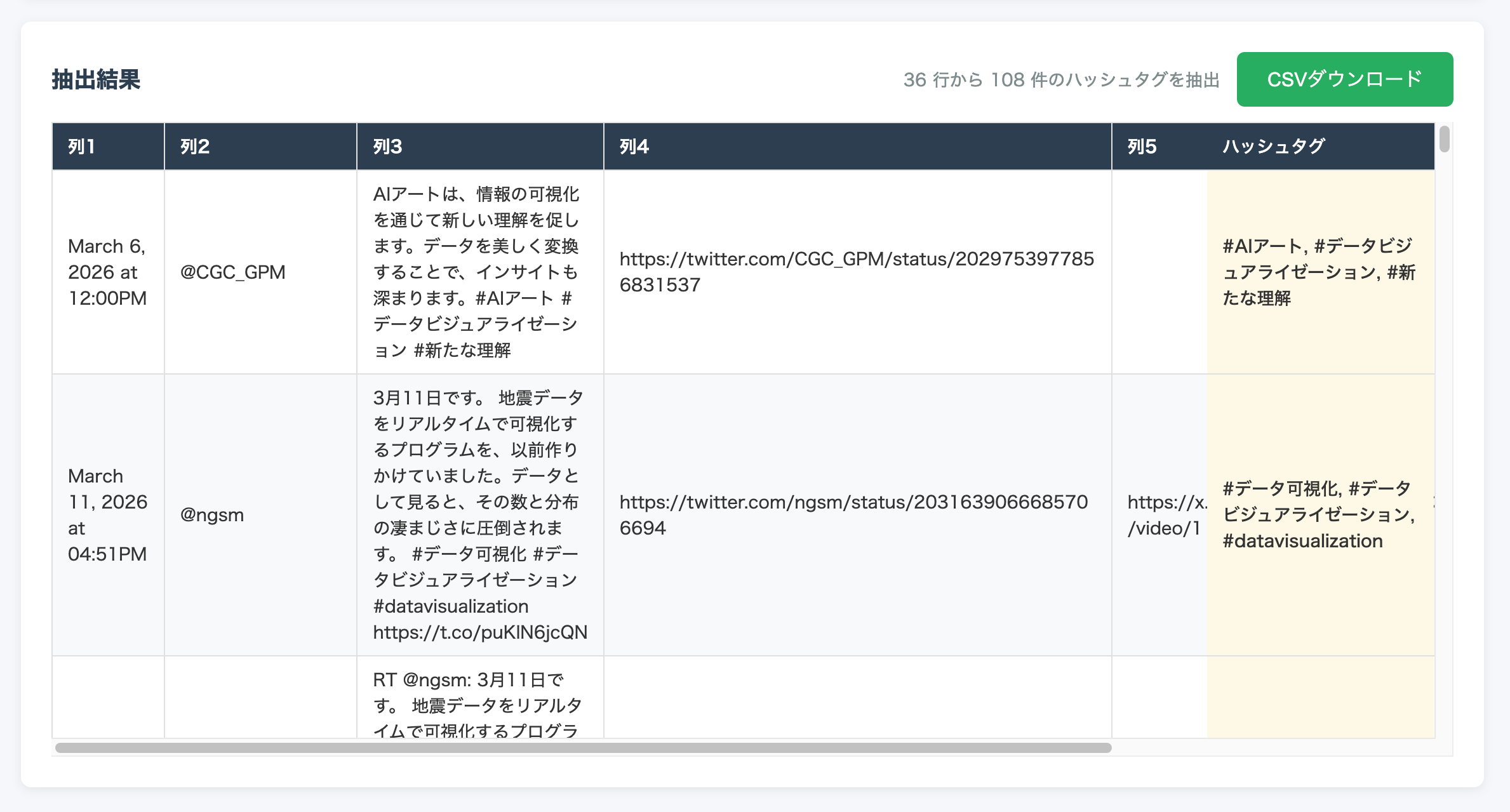
- CSV export: Download results as CSV with extracted columns appended to the original data (UTF-8 with BOM)
- Japanese/English support: Auto-switches based on browser language; manual switching also available
How to use
- Input data — Drag & drop a CSV file, or paste CSV/TSV data into the text area
- Preview — Check the number of columns and rows (first 100 rows displayed)
- Configure & extract — Select the target column and entity type (hashtag / mention / URL / email / phone number), then click “Extract”
- Review & download — Check the extraction count and click “Download CSV” to save the results
Data format
- Input: CSV (comma-separated), TSV (tab-separated), TXT
- Header: Option to treat the first row as column names (if no header, columns are auto-named “Column 1, Column 2, …”)
- Output: CSV (UTF-8 with BOM) containing all original columns plus an appended extraction result column. Multiple entities in a single cell are joined with commas